What you get
A handbook with scripts you can run, for developers who ship a Node or Go app (with SQLite or Postgres) on a single Debian or Ubuntu server and want it to survive deploys, reboots and mistakes.
- 15 short chapters and a one-page printable runbook ("site is down" and "restore from backup").
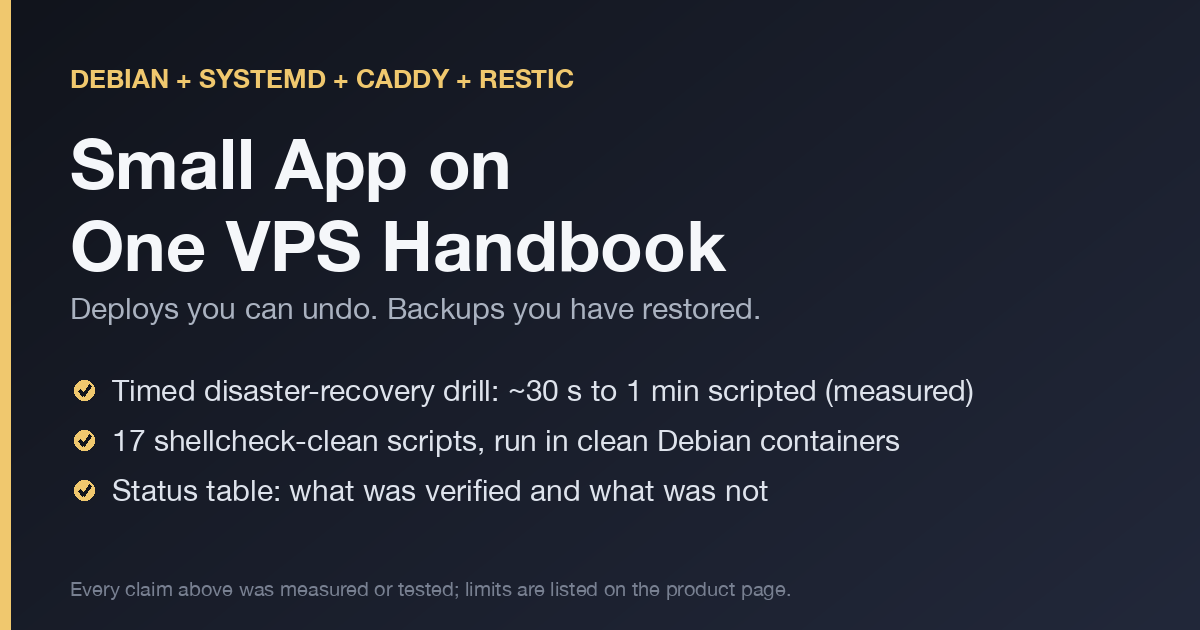
- 17 shellcheck-clean scripts: create a user, harden sshd, firewall, automatic security updates, release-folder deploy with automatic rollback, rollback, restic backup with consistent SQLite and Postgres dumps, a restore drill, disk and health checks, swap, a secrets audit, a migration demo and a Docker-based disaster-recovery drill.
- Config templates: systemd unit, Caddyfile, sshd drop-in, journald limits, logrotate, cron and env files.
- Printable checklists: first day, weekly, before deploy, before leaving one VPS.
Chapters most guides skip: Postgres production notes (what pg_dump does and does not give you), log and journald limits so a full disk does not take you down, memory, swap and the OOM killer, deploy-safe expand/contract migrations, secrets on one box, and clear criteria for when to leave one VPS.
The recovery drill, with a stopwatch
A script builds a "production" server (app, SQLite, Postgres, uploads), backs it up with restic to a volume outside the server, destroys the server, rebuilds on a clean Debian container and checks that the data is intact (row counts and a checksum over every upload).
| Small data | Larger data | |
|---|---|---|
| Data | 100k rows per database, 200 x 100 KB uploads | 2M rows per database, 500 x 1 MB uploads |
| Total scripted recovery | 29.8 s | 34.3 s |
apt install | 24.1 s | 23.0 s |
restic restore | 1.6 s | 3.3 s |
pg_restore | 2.6 s | 4.9 s |
One run each on an arm64 laptop under Docker Desktop. The package install varied from 21 s to 57 s across runs, so totals ranged from about 27 s to 62 s. Provisioning a real server at a provider and changing DNS are not included.
What was verified, and how
Every script and chapter was run in clean Debian 12 containers:
- a real sshd and ssh client (key login works, root and password logins are refused)
- ufw, tested with real traffic between two containers
- systemd as PID 1: the unit verifies, restarts after
kill -9, picks up a new release after a symlink switch, and enforcesMemoryMax - Debian's Caddy package proxying to the app, and returning 502 when the app is stopped
- restic and PostgreSQL 15 backups and restores including failure cases (corrupt database, wrong password, stale dumps)
- journald and logrotate caps, a full disk, an OOM kill, migrations on SQLite and Postgres
One command (verify/run.sh, needs Docker) re-runs the whole check on your machine.
Scope
One server and one app. No autoscaling, no Kubernetes, no multi-region. If you need those, the last chapter tells you how to recognise it.
FAQ
What format is it?
Markdown, shell scripts and config files. Read it anywhere and copy the commands. No PDF DRM, no account.
Is it for Debian only?
Debian and Ubuntu commands, verified on Debian 12.
How is it different from the VPS Deploy & Backup Kit?
The kit is a tested script package (blue/green deploys, backups, alerts). The handbook is the surrounding knowledge and scripts: server setup, systemd, HTTPS, logs, memory, migrations, secrets and the recovery drill. They overlap on deploy and backup basics.
Do I need Docker?
Only to re-run the verification harness. The scripts themselves run on a normal server.
What is the license?
Use it on your own servers and in your own team. Do not resell or redistribute the files.
Changelog
- 0.2.0: chapters 1 to 3 and 7 verified in containers, timed disaster-recovery drill, new chapters on Postgres, logs, memory, migrations, secrets and leaving one VPS, 17 tested scripts, runbook.
- 0.1.0: first release.
Read more
- How to write a restore runbook you can follow at 3 a.m.
- systemd or pm2 for a small Node app on one VPS?
- SSH, ufw and fail2ban basics for a single VPS
- When a restore succeeds and hands you the wrong data
- Monitor one VPS without Prometheus, Grafana or a stack
- Find what filled your VPS disk and keep it from happening
- Harden a fresh Debian VPS in the first hour, step by step
- I destroyed my server on purpose and timed the recovery
- Caddy or nginx for a one-person VPS stack, compared
Get it
Payment, tax and invoices are handled by Polar as merchant of record. You receive a download link after checkout.